

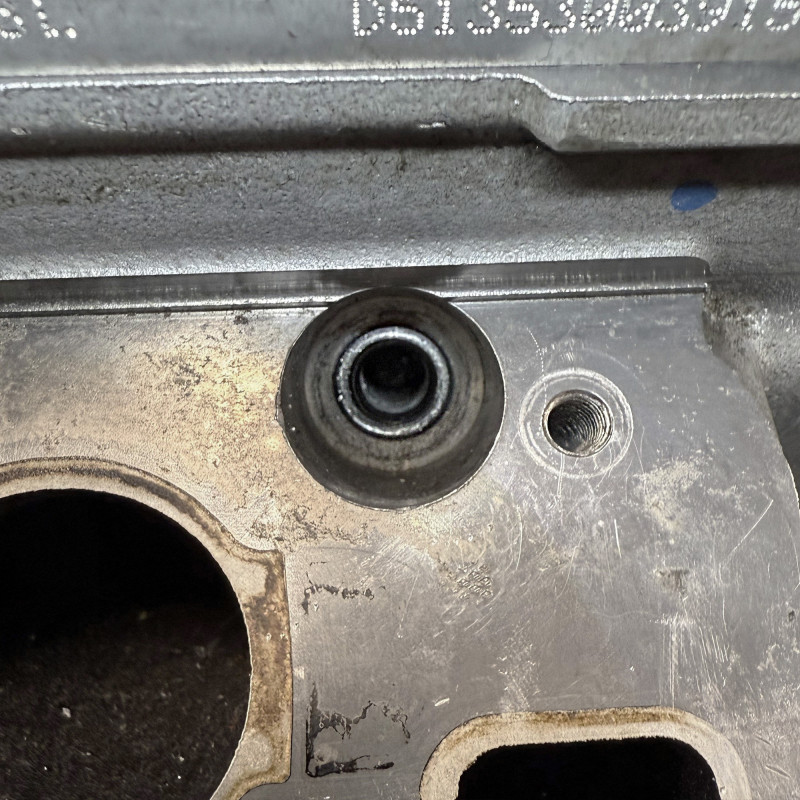
AST6208
Glow Plug Thread Repair Kit
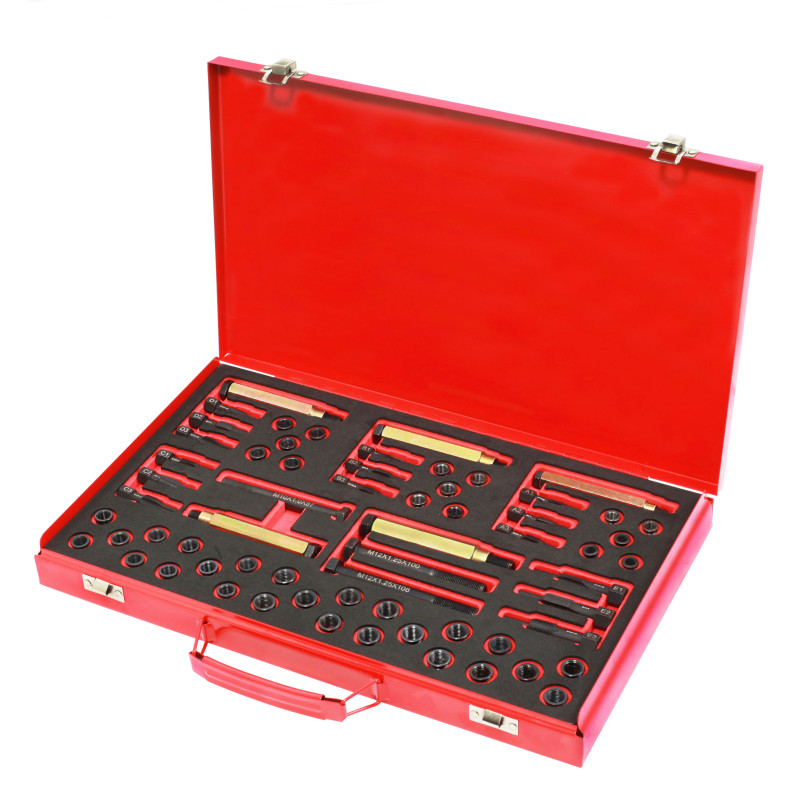
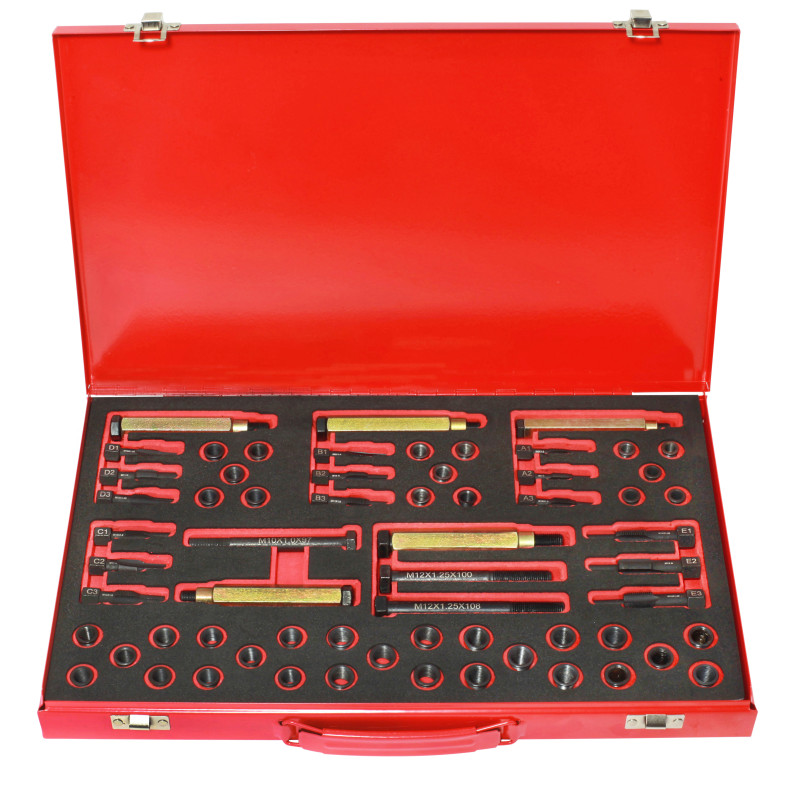
AST6208 Glow Plug Thread Repair Kit is designed to cover glow plug thread sizes M8 x 1.0, M9 x 1.0, M10 x 1.0, M10 x 1.25 and M12 x 1.25.
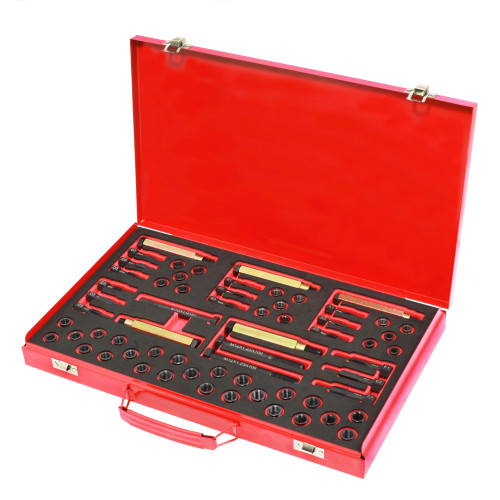
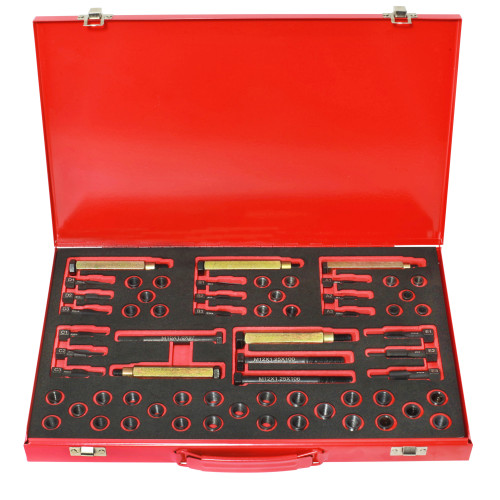
AST6208 comprises:
| Item | Size / Description |
| 5 x Reamers for reaming original thread | M8x1.0, M9x1.0, M10x1.0, M10x1.25, M12x1.25 |
| 5 x Taps for threaded sleeves | M8x1.0, M9x1.0, M10x1.0, M10x1.25, M12x1.25 |
| 5 x Taps for trimming the original thread | M8x1.0, M9x1.0, M10x1.0, M10x1.25, M12x1.25 |
| 5 x Assembly tools | For inserting the threaded sleeves |
| 5 x Threaded sleeves | M8 x 1.0 (11mm long) |
| 5 x Threaded sleeves | M9 x 1.0 (11mm long) |
| 5 x Threaded sleeves | M10 x 1.0 (12mm long) |
| 5 x Threaded sleeves | M10 x 1.25 (12mm long) |
| 5 x Threaded sleeves | M10 x 1.0 (19mm long) |
| 5 x Threaded sleeves | M12 x 1.25 (12mm long |
| 5 x Threaded sleeves | M12 x 1.25 (19mm long) |
| 5 x Threaded sleeves | M12 x 1.25 (26mm long) |
Individual Thread Repair Inserts - available in packs of 5::
| AST6351 | - | M8 x 1.0 - 11mm | |
| AST6352 | - | M9 x 1.0 - 11mm | |
| AST6353 | - | M10 x 1.0 - 12mm | |
| AST6354 | - | M10 x 1.0 - 19mm | |
| AST6355 | - | M10 x 1.25 - 12mm | |
| AST6356 | - | M12 x 1.25 - 12mm | |
| AST6357 | - | M12 x 1.25 - 19mm | |
| AST6358 | - | M12 x 1.25 - 26mm | |
Notes:
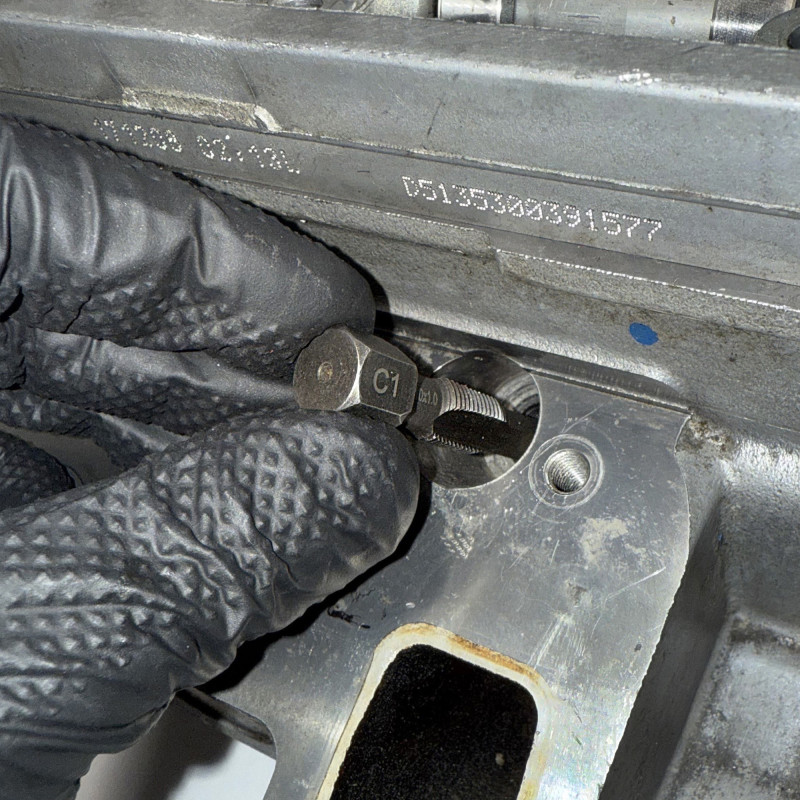
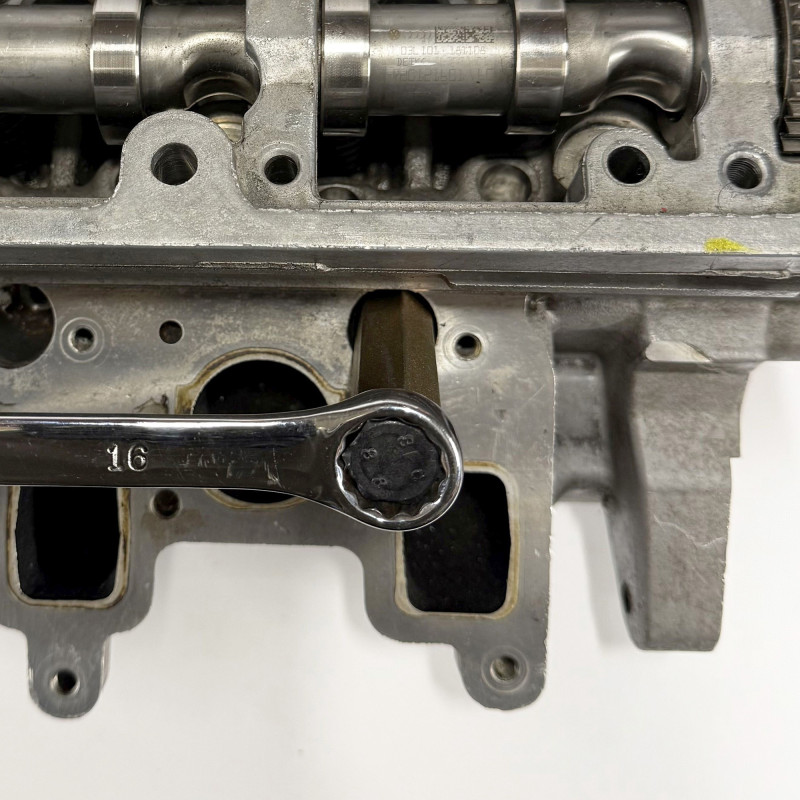
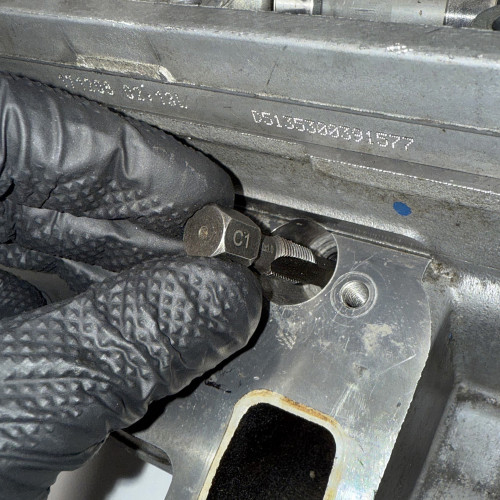
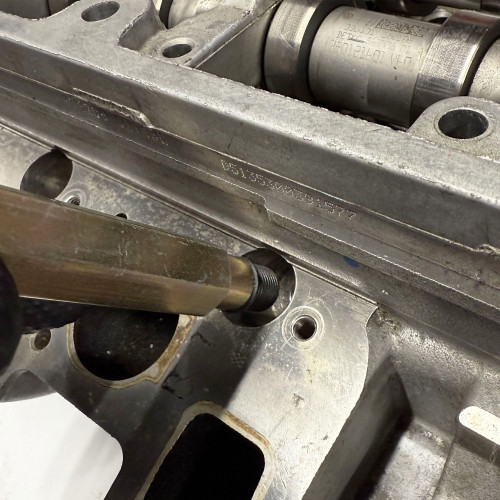
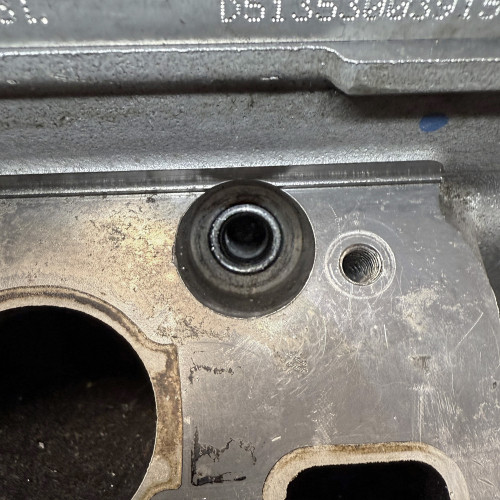
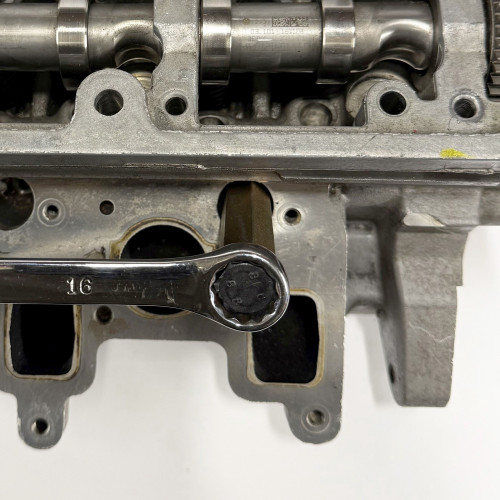
- AST6208 works by first removing the damaged, old thread through reaming
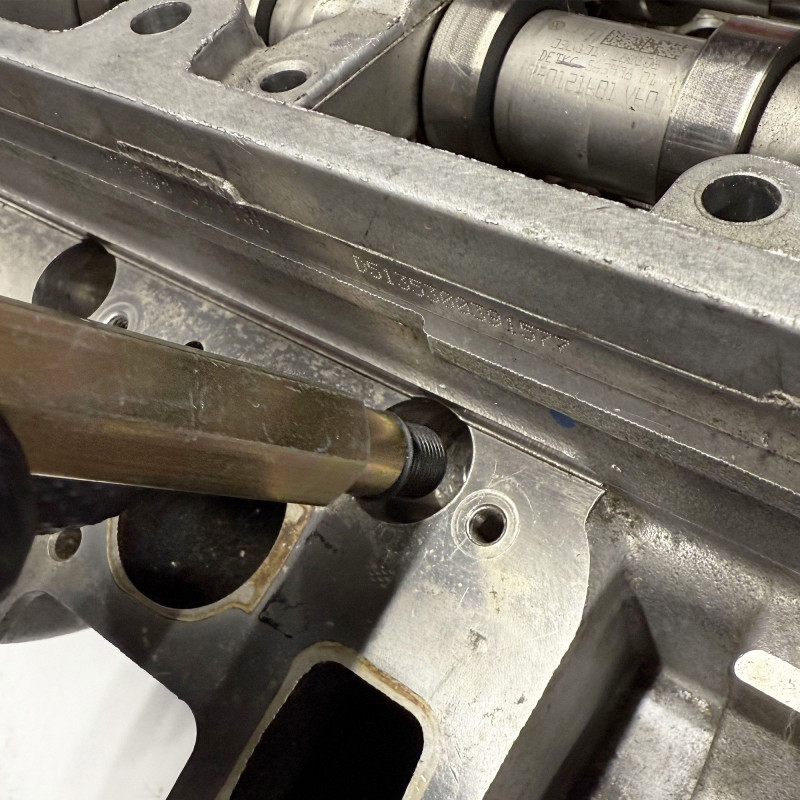
- Then a tap is used to thread the reamed hole, creating the necessary space for a threaded sleeve
- Once the sleeve is installed, the replacement glow plug is threaded into the sleeve, completing the process